



site search

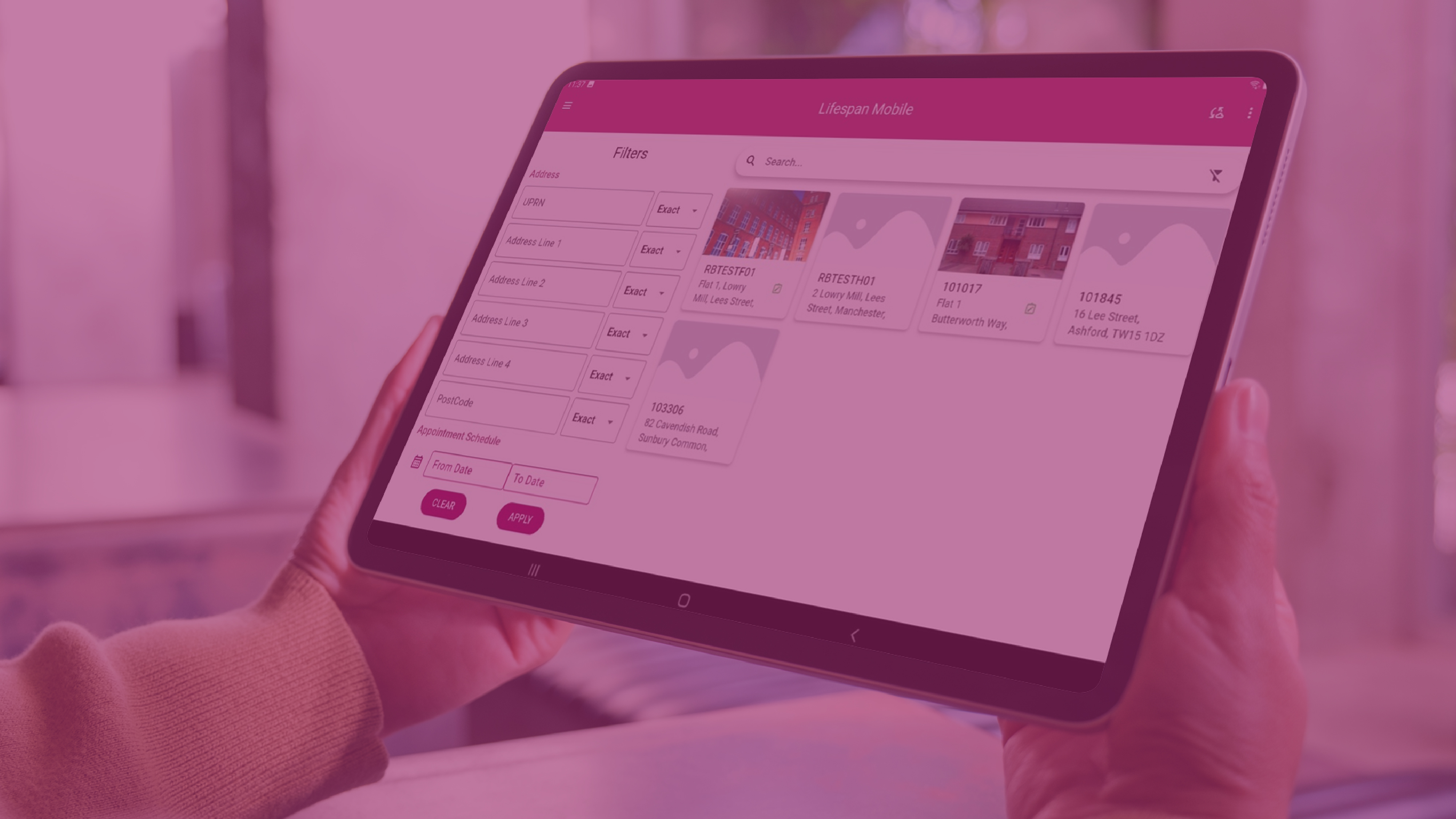
Enhanced usability, smarter survey tools and improved data quality controls for surveyors in the field.

22nd December 2025
Salma Crisp MRICS
The latest release of Lifespan Mobile represents a significant step forward in mobile survey technology. Designed to support surveyors working on site, the updated app combines usability improvements with enhanced functionality to ensure property data is captured accurately, efficiently and consistently.
This release focuses on making surveys quicker to complete, easier to manage and more reliable, from improved navigation and template flexibility through to enhanced validation and quality control.
A more intuitive mobile experience
Lifespan Mobile has been redesigned to offer a clearer, more flexible user experience across mobile devices. Surveyors can now work more comfortably in different environments and move through surveys with greater ease.
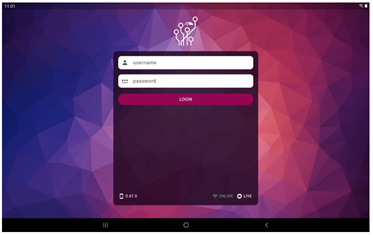
Key usability improvements include:
• Light and dark mode, enabling effective screen use in varying lighting conditions
• Portrait and landscape orientation, offering flexibility across mobile phones
• Enhanced calendar colour rendering for clearer navigation
• A built-in mobile guide to support new users adapting to the updated navigation style
Together, these changes help reduce friction on site and improve consistency in data capture.
Improved navigation and address management
Finding, recognising and managing survey locations is now quicker and more intuitive.
Enhancements include:
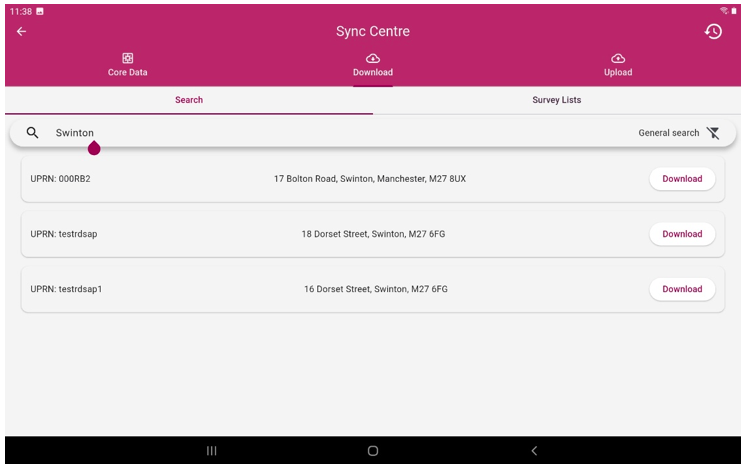
• Improved Sync Centre options, including clearer visibility of uploads, downloads and sync history
• New address filtering, allowing surveyors to quickly locate properties and view their survey status
• Elevation thumbnails, helping surveyors identify properties at a glance
• An updated Property Information page, providing visibility of recorded photographs and grouping information
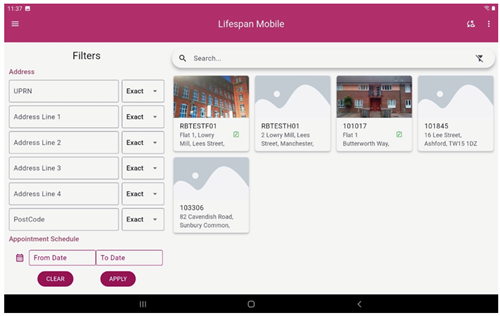
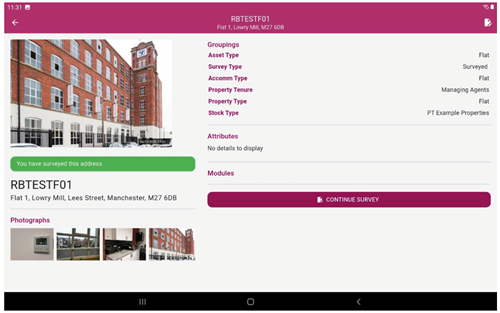
These improvements reduce time spent navigating the app and allow surveyors to focus on survey completion.
Smart survey tools and flexible templates
The new release introduces smarter tools to support complex survey requirements and varied team workflows.
Surveyors can now:
• Undertake multiple survey types simultaneously
• Hold and use multiple survey templates at the same time
• Design custom templates, using grouping to control which templates apply to different UPRNs
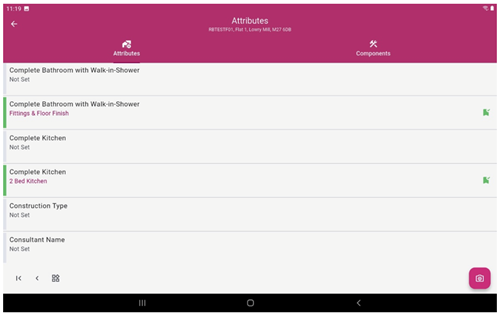
• Track progress through dynamic survey templates, where components and attributes change colour as they are completed
• Collect attributes and components side by side, streamlining data entry
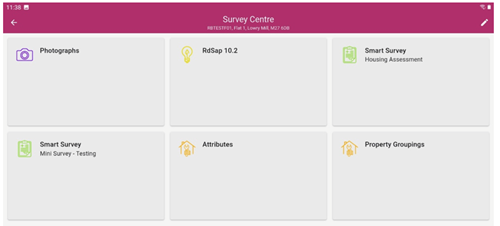
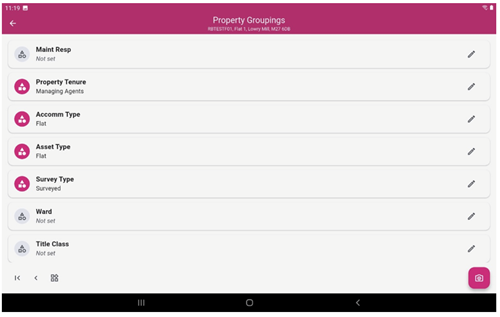
This flexibility allows organisations to deploy different templates across teams while maintaining consistency and control.
Enhanced RdSAP 10.2 data collection
Lifespan Mobile now supports full RdSAP 10.2 data collection, with improvements designed to reduce survey time and improve accuracy.
Enhancements include:
• One-click selection buttons for faster data entry
• Horizontal swipe navigation within RdSAP sections
• A validation checkbox to confirm completed sections
• Updated RdSAP 10.2 collection screens for window measurements and additional room-in-roof data

These improvements enable faster, more accurate energy data collection with minimal impact on time spent on site.
Improved photograph management
Photograph capture and management has been fully integrated into the survey workflow, supporting clearer defect recognition and reporting.
New functionality includes:
• The ability to require photographs for specific questions
• Collecting photographs alongside survey notes
• Pre-set dropdowns for photo descriptions to ensure consistency
• Thumbnail and list views for reviewing images
• A quick photo gallery for walkthroughs, with images linked to components later
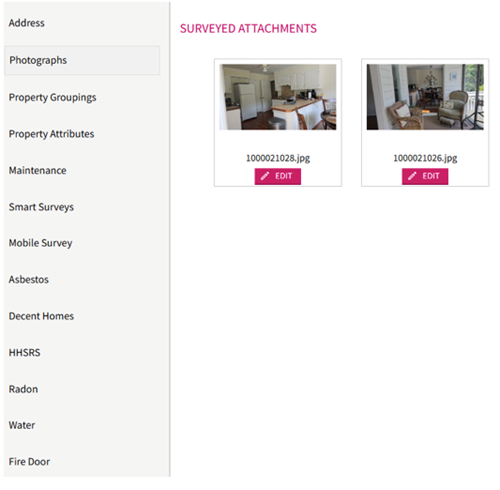
This ensures photographs are consistently captured, organised and easy to reference.
Built-in validation and quality control
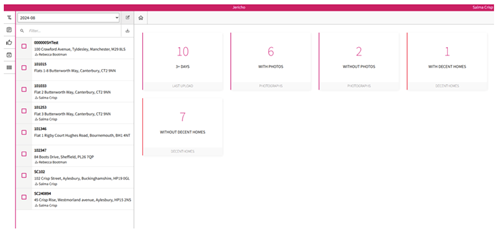
A fully integrated Validation Area introduces an additional layer of quality assurance.
Survey data is now uploaded to a holding area rather than transferring straight to live. From here, customers or Property Tectonics can:
• Review survey data, photographs and multiple survey templates
• Correct minor issues before data goes live
• Export data to Excel for checking
• Request corrections from surveyors and re-upload where required
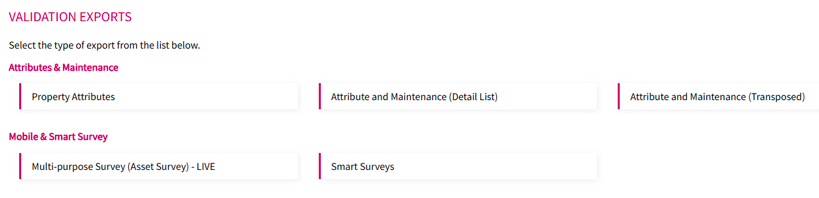
Only once quality checks are completed is the data transferred to live, helping improve data accuracy and confidence.
System reliability, integration and support
Additional enhancements support system reliability and ongoing maintenance:
• Automatic updates via the Google Play Store and Apple App Store
• PCDF data included within core data downloads
• Clear Sync Centre history by day
• Improved diagnostics tools allowing error logs to be uploaded directly to the helpdesk
Roof room guidance is also built directly into the app to assist surveyors with complex property layouts.
A modern tool for housing professionals
Together, these enhancements make Lifespan Mobile a powerful, modern tool for housing professionals. By combining improved usability with robust survey functionality and stronger validation controls, the app supports more accurate data capture, improved compliance and better decision making.
For further information on the latest Lifespan Mobile features, please contact the Lifespan Team via our helpdesk

Following the Department for Energy Security and Net Zero (DESNZ) officially announcing that their new RdSAP 10 methodology is set to roll out on the 15th of June, Property Tectonics are pleased to inform you that our software development team have been busy building our new RdSAP 10.2 interface. The new version is currently undergoing BRE approval.
As with all our software products, our inhouse developers are always working to ensure our software up to date and in line with regulation. Whilst not only working on the development for the RdSAP methodology, our fantastic team has also been building the latest versions of our new Lifespan Mobile App. We will provide further updates in due course
 view all